Learning management,
simply evolved.
The hard work should be in the learning.
A full LMS, without the heavy lifting. Courses, learning paths, quizzes, certificates and reports that learners find easy and administrators find quick. Built for accessibility from the first screen, and ready for one team or your whole organization.
Free to download and use.
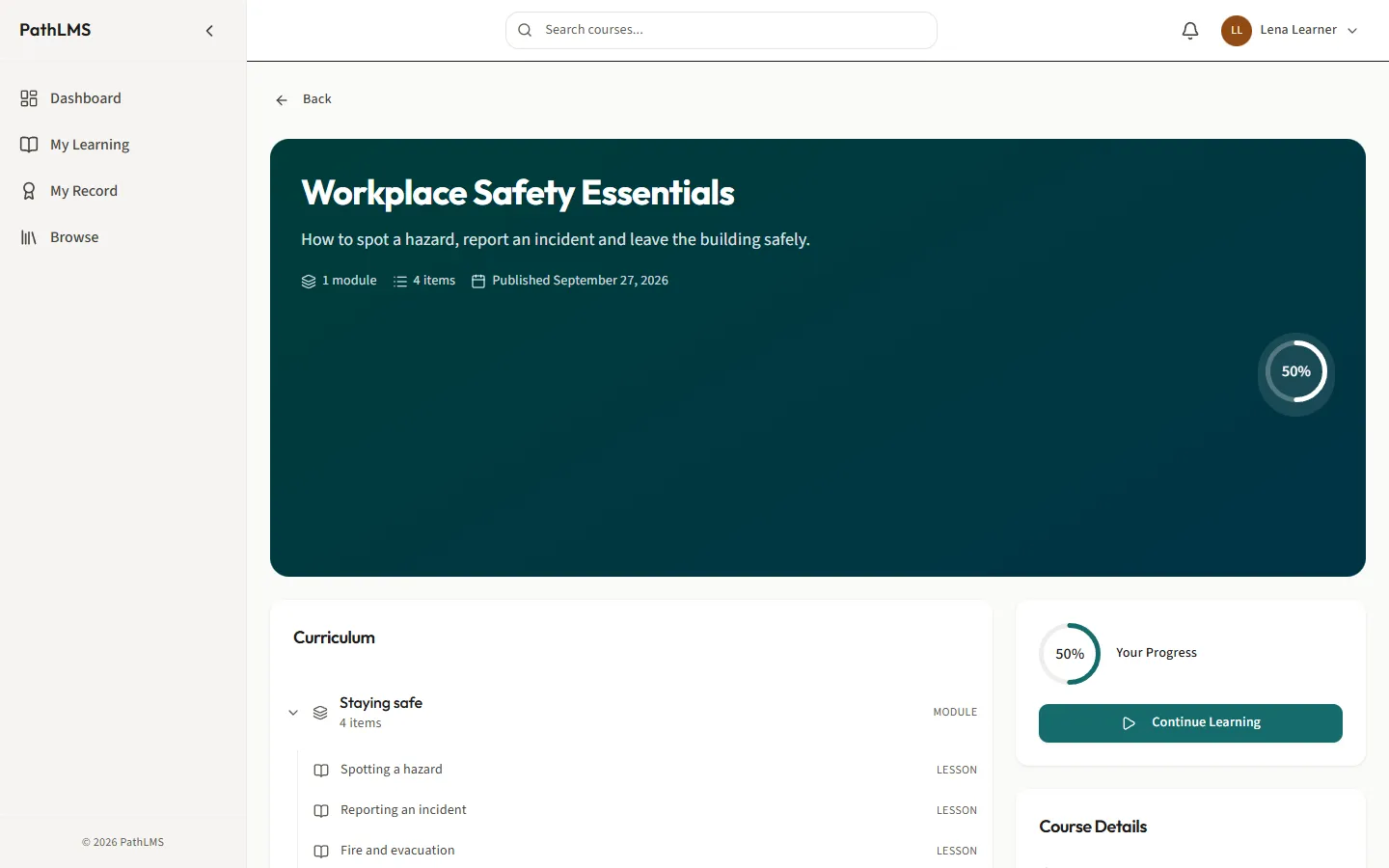
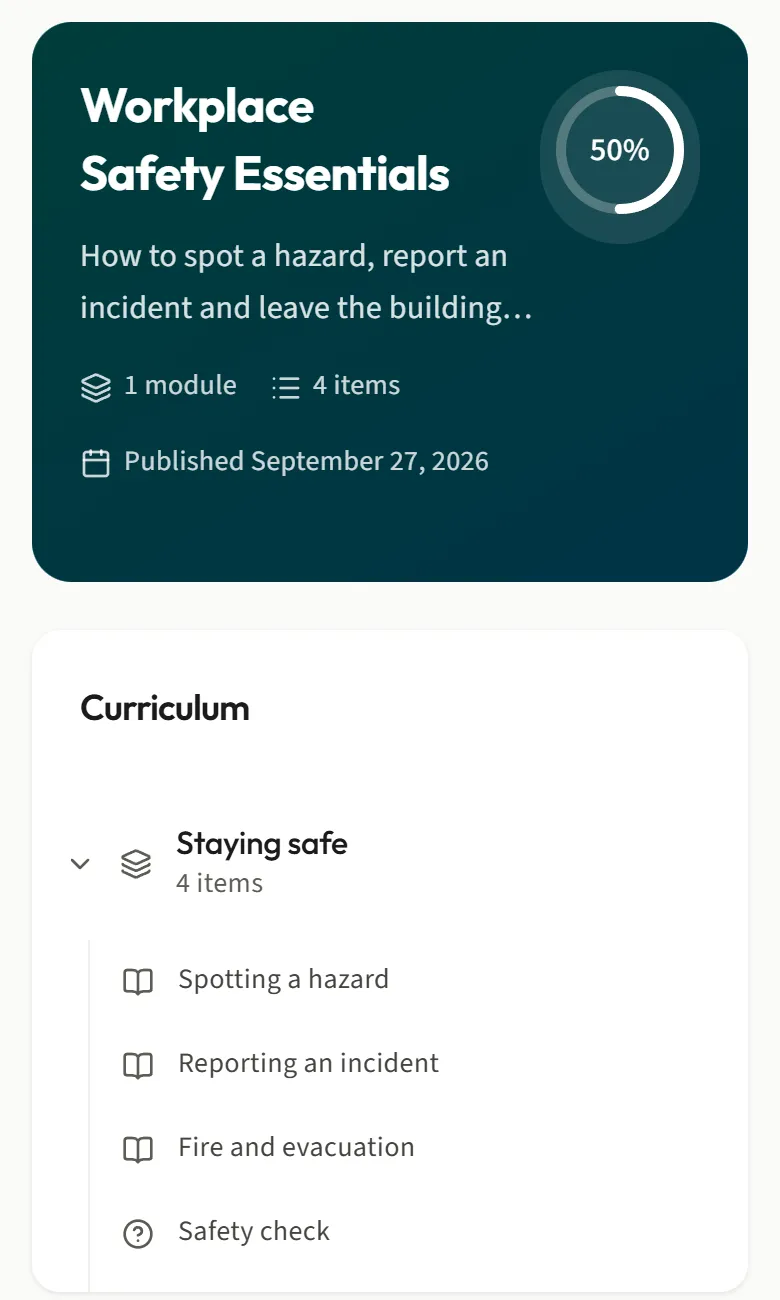
How it works
Build. Enroll. See who finished.
1. Build
Write courses in the browser. Lessons, topics, quizzes and certificates, with no separate authoring tool.
2. Enroll
Put people on the path. Enroll people or whole groups in several courses at once, in one step.
3. See who finished
Know where things stand. Reports start with the question you have, and exports leave out names unless you ask.
For learners
Clear from the first click.
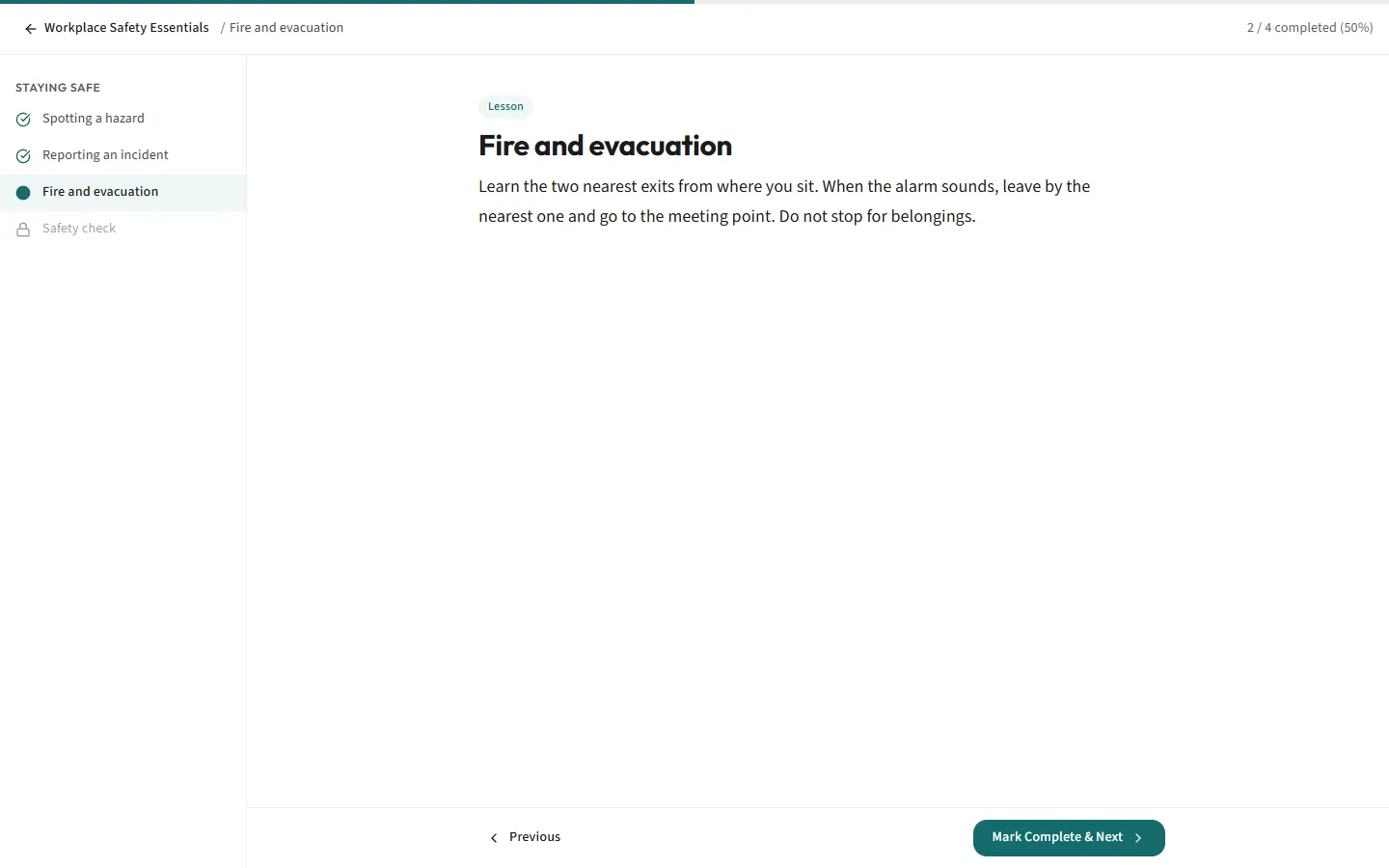
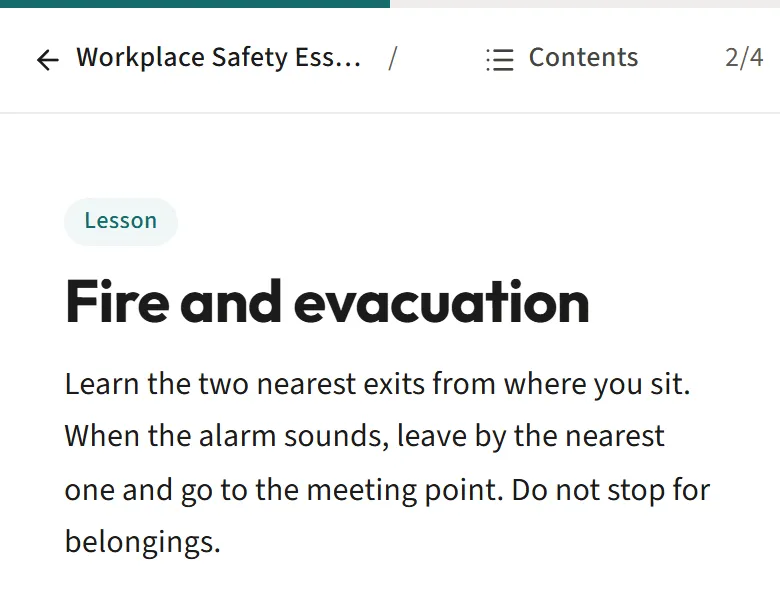
Always know what comes next. Courses sit in order and progress is easy to understand. Words are explained right where they appear. It is built to meet WCAG 2.2 AA, the usual accessibility standard.
For administrators
Less to manage.
Set it up once. Put people in groups, enroll a whole group in one step, and let yearly training go out again by itself. When PathLMS cannot enroll someone, it tells you who and why.
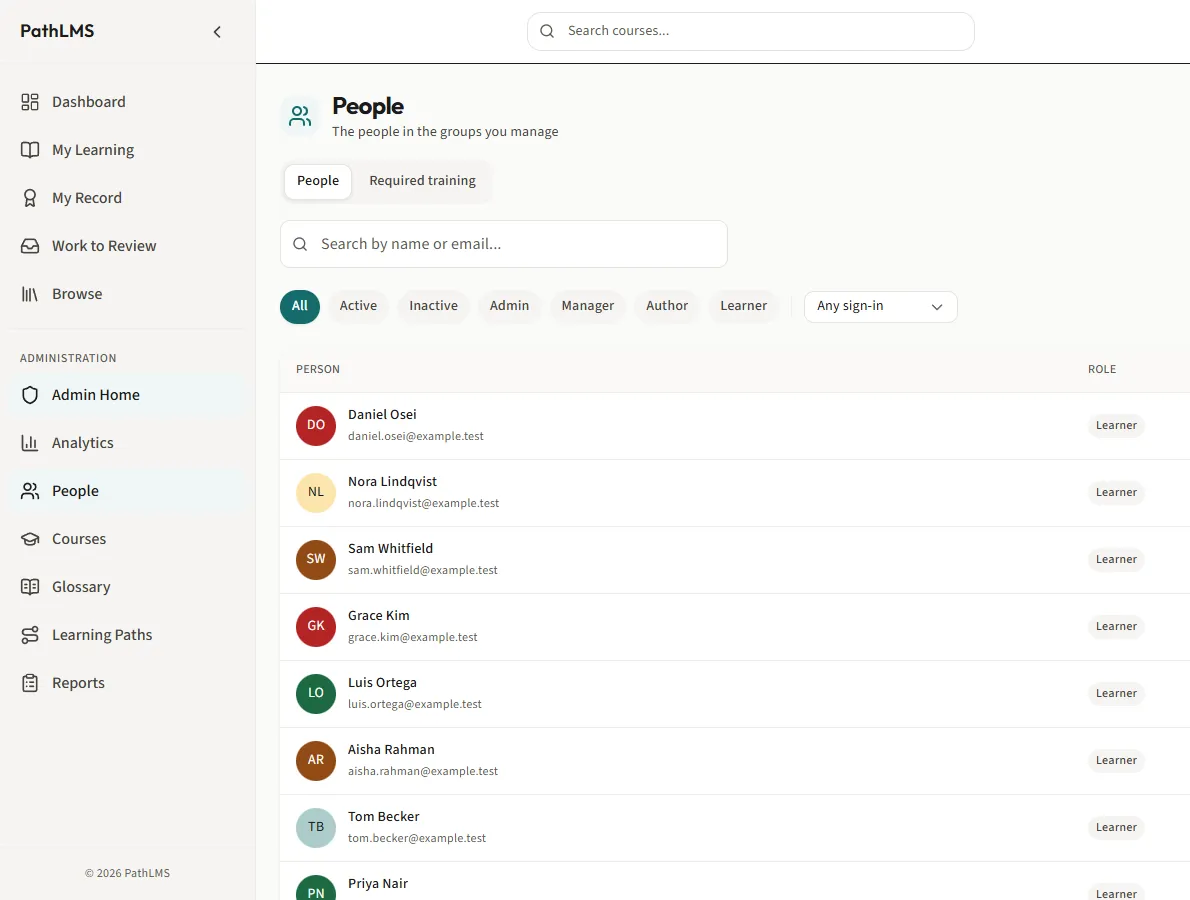
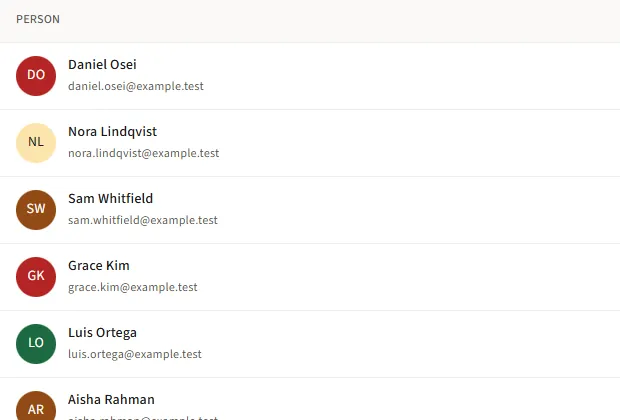
Everything a full LMS should do.
Build, assign, review, repeat, report.
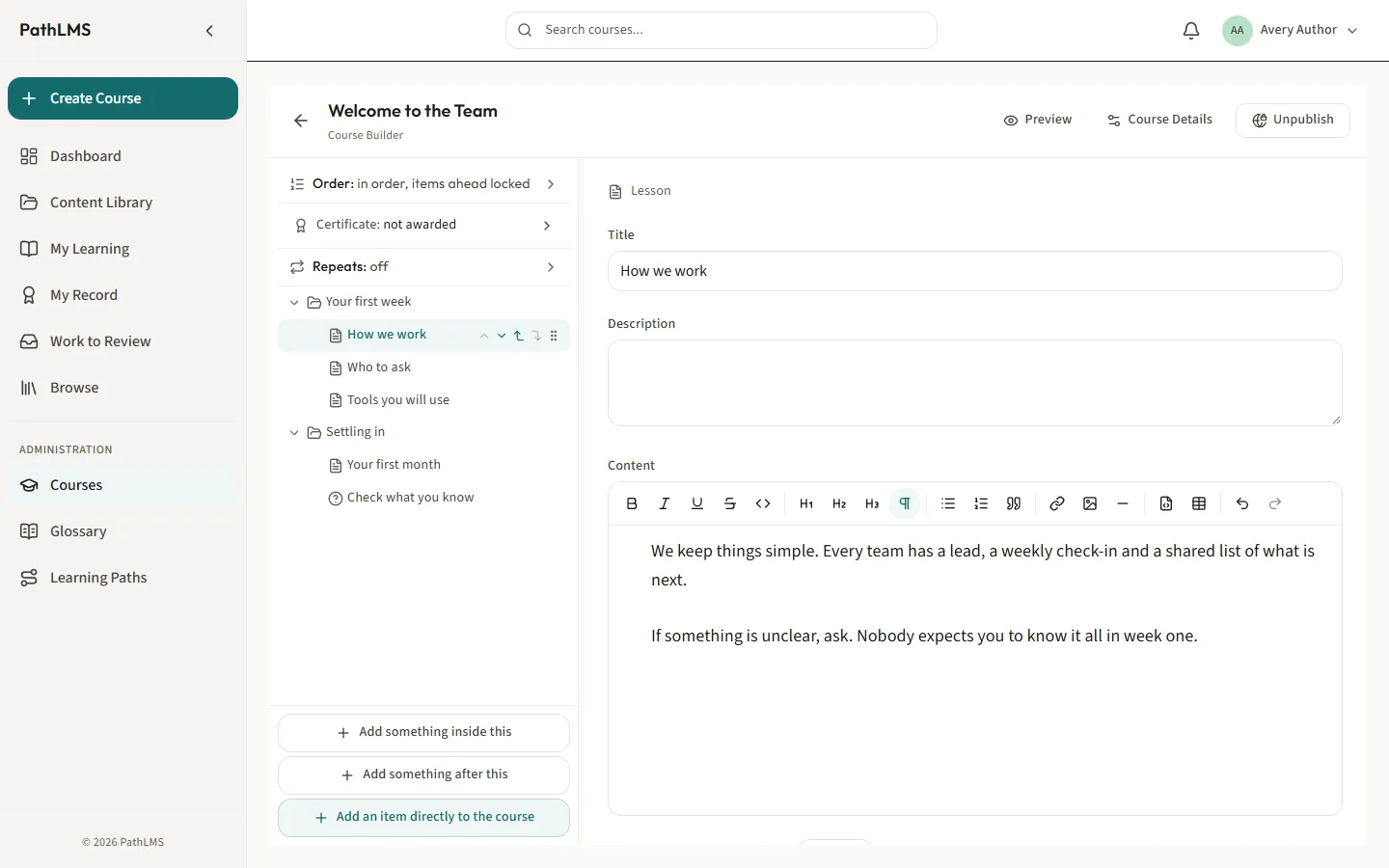
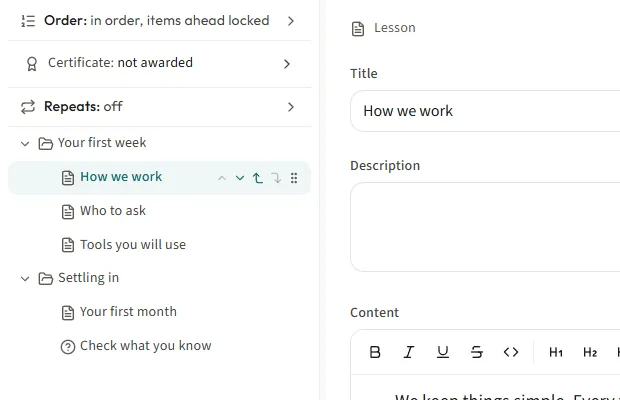
Courses, built in the browser
Write lessons, topics, quizzes and certificates in one place. No separate authoring tool.
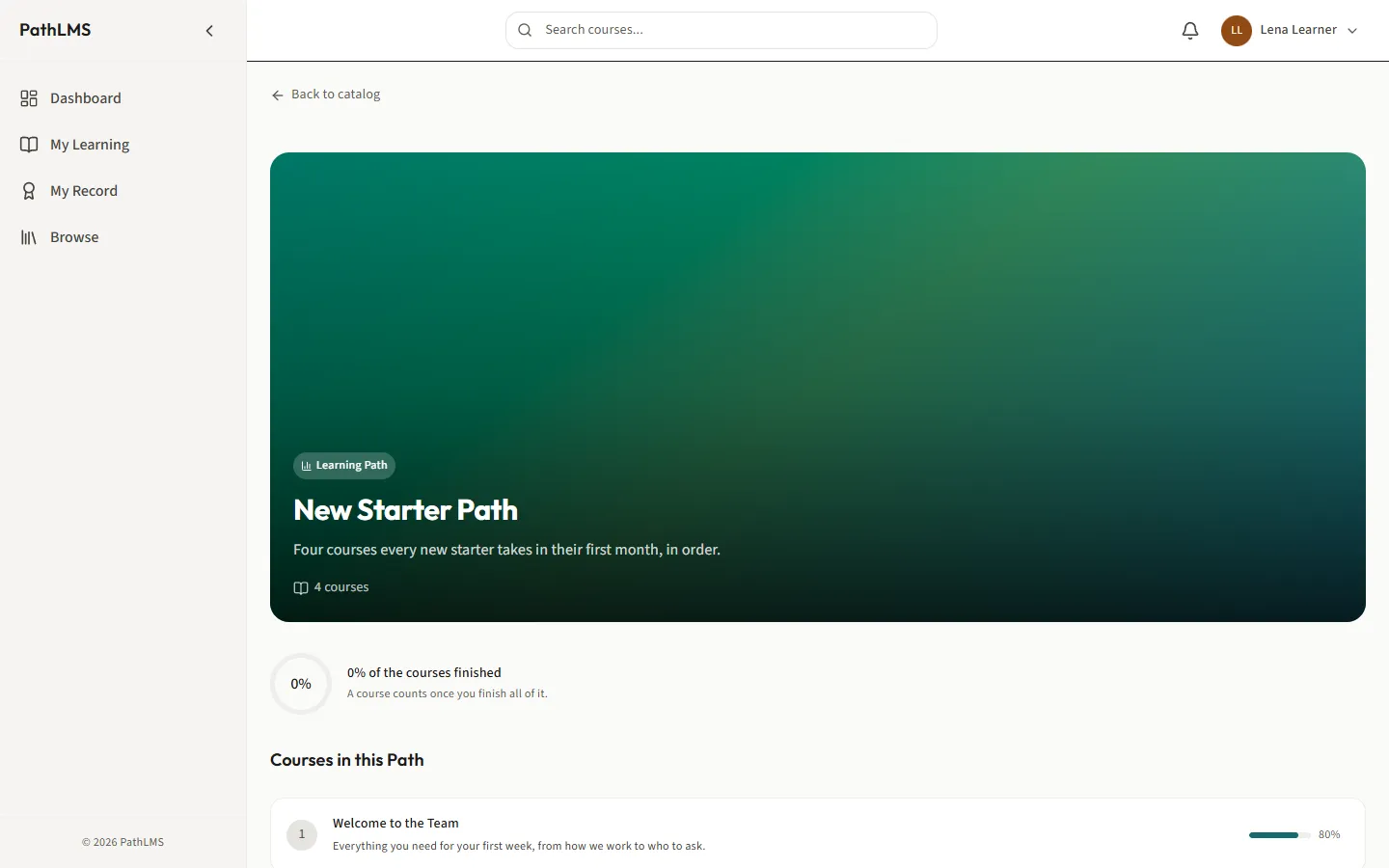
Learning paths, in order
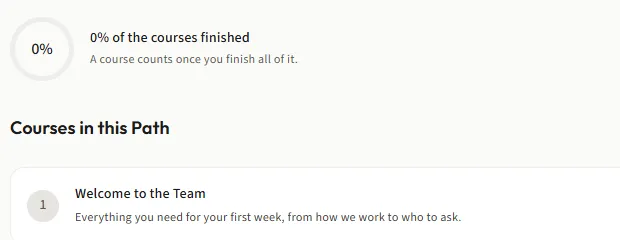
Put courses in order and choose which come first. Everyone sees what is next and how far they have come.
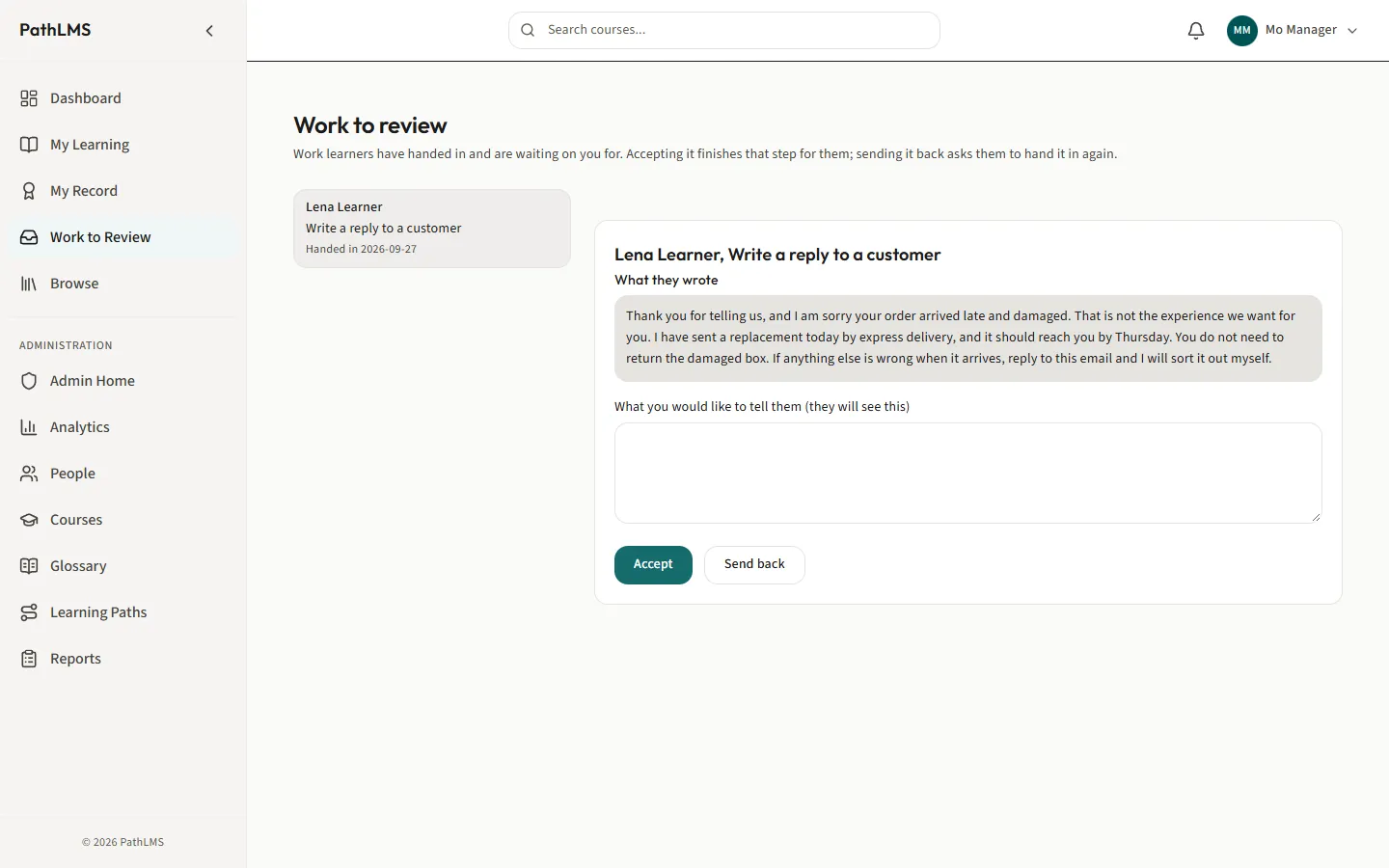
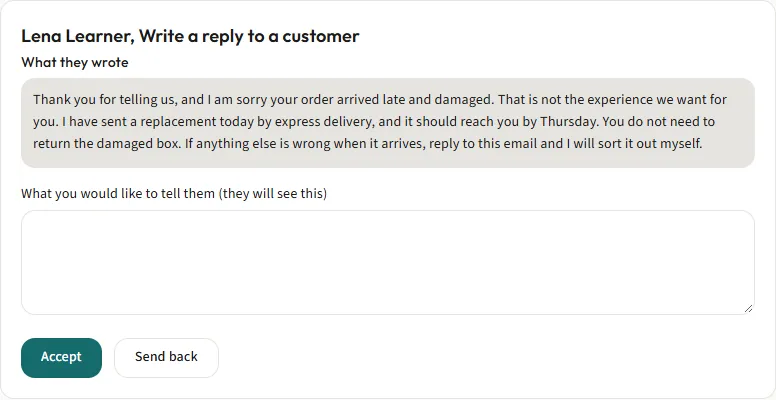
Handed-in work, answered
Learners hand in writing or a file. Reviewers read it, then accept it or send it back with a note.
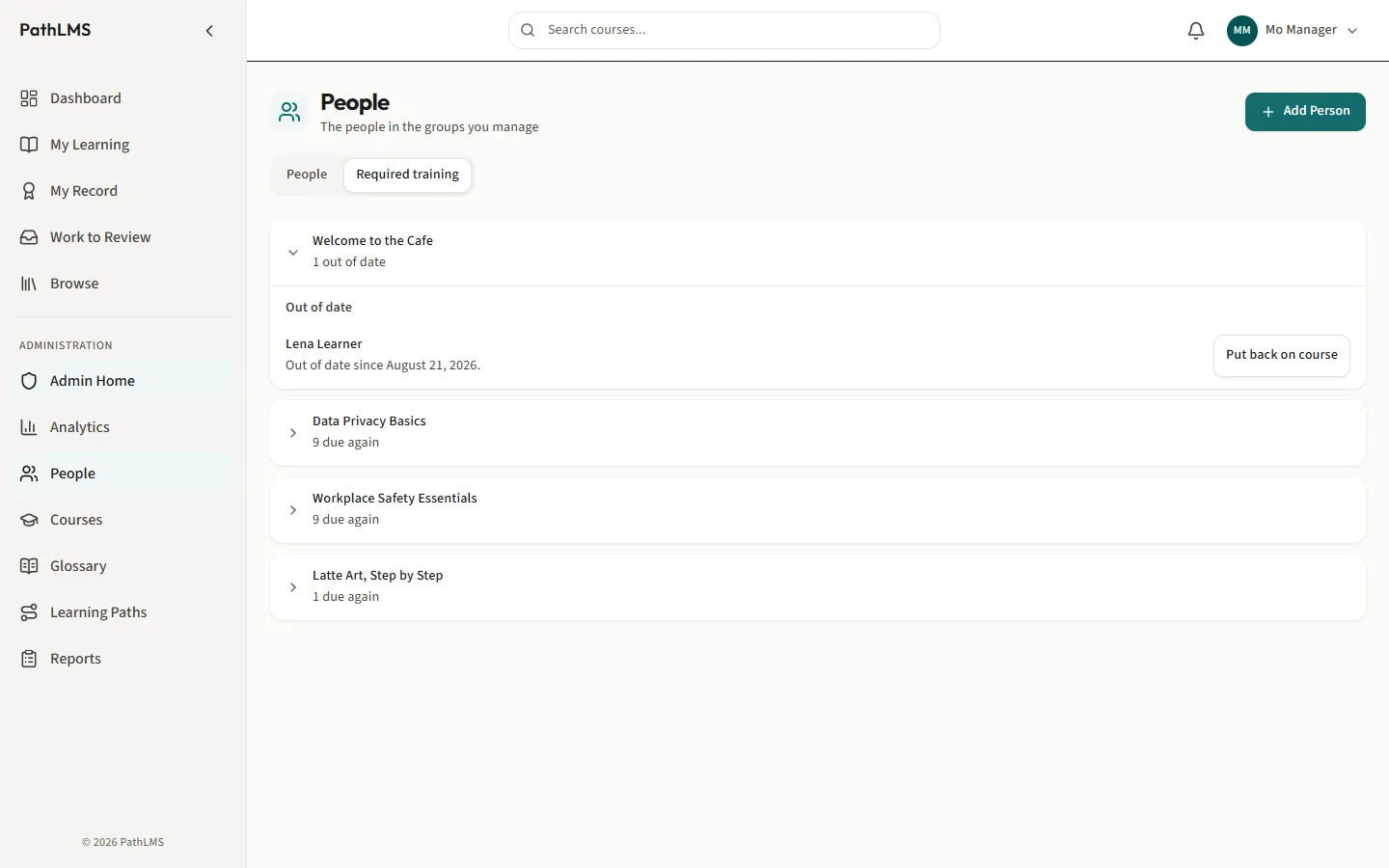
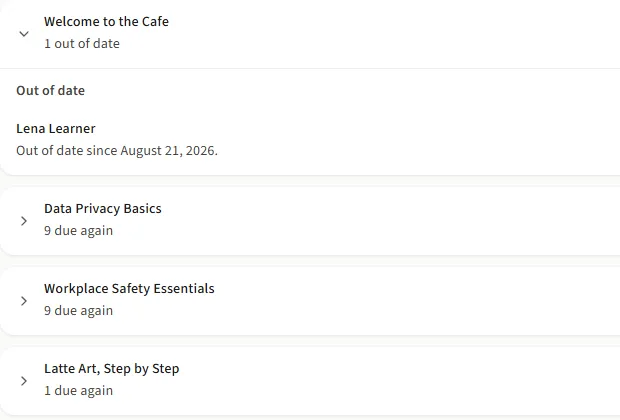
Training that repeats, on its own
Set yearly training once. PathLMS gives it out again, warns people before it runs out, and shows you who is behind.
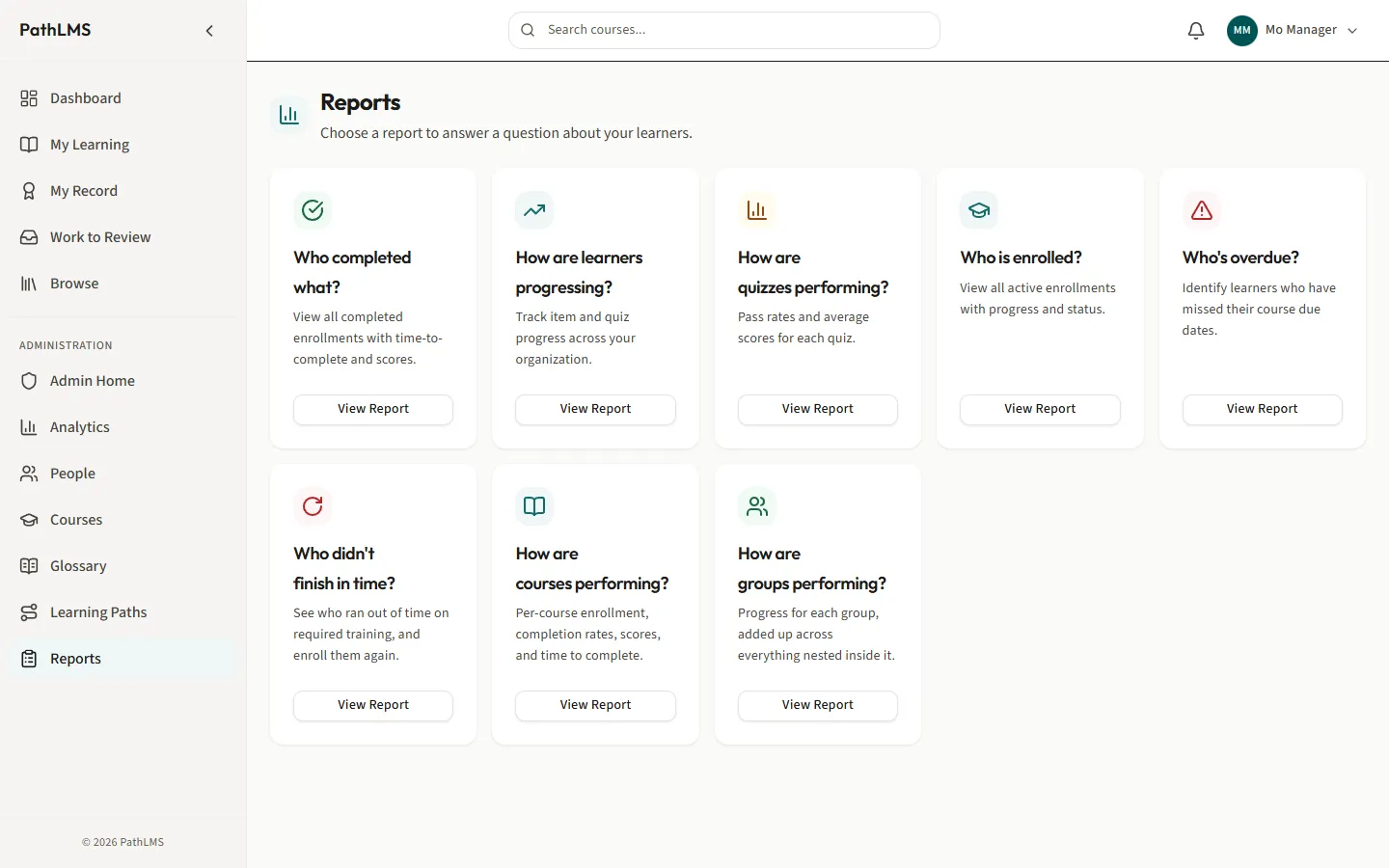
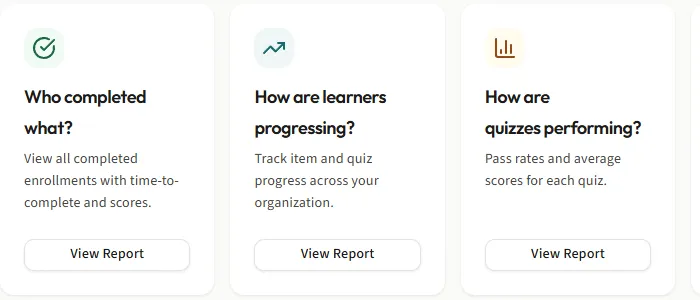
Reports that answer questions
Who completed what? Who is overdue? Pick the question and open the answer.
Make it yours
Your brand, kept readable.
Add your logo and brand color. PathLMS builds the rest of the palette from it and keeps every screen readable. Try it.
Showing PathLMS teal, the default.
Dashboard
My Learning
My Record
Ready when you are
Workplace Safety Essentials
For IT
Easy to run.
Set it up once, then let it run. It installs with Docker Compose on Intel or ARM servers, and a small installation is comfortable with two CPU cores and 4 GB of memory.
Company sign-in
People use the account they already have, through OIDC or SAML.
Backups that run on their own
The database and every uploaded file are backed up automatically.
Updates when you choose
Update from a button, at a time that suits you.
Learner data where you decide
Learner data stays on servers you choose.
HTTPS your way
Use your own web proxy for HTTPS, or let PathLMS handle it.
SCORM courses
Every installation can run uploaded SCORM courses. Turn them on when you need them.
By the numbers
Counted, not claimed.
- $0
- Per learner. The price never grows with the number of people you train.
- 15
- Minutes, give or take, to install it on a machine you control.
- 8
- Reports ready on day one, each starting with a question.
- 7
- Ways to connect company sign-in: Google, Microsoft by OIDC or SAML, Okta, AD FS, or any other OIDC or SAML provider.